Overview
Google Drive and Dropbox are excellent collaboration platforms. The question for a regulated company is different: can a user keep a copy? If the answer has to be no, the comparison is not about features — it is about the delivery model.
What Drive and Dropbox are actually good at
Both products solved a real problem: files follow people across devices, collaboration happens in the same place, and version history removes the fear of overwriting. For most teams, that is exactly what they need. The mistake is assuming that because collaboration works well, custody works the same way.
Their security stacks are real: encryption in transit and at rest, access controls, audit logs, DLP integrations, and enterprise administration. Google Workspace security and Dropbox security document them in detail.
The limitation is architectural, not a missing checkbox. These platforms are built to synchronize files to endpoints. Once the file is there, the provider's controls end and the customer's copy begins.
- Collaboration — comments, co-editing, sync, versioning.
- Administration — identity, sharing policies, audit, DLP.
- The boundary — the downloaded or synced copy.
Where the model stops for regulated documents
Consider a contract, a clinical file, a bid, or a client matter. The compliance question is rarely whether the storage is encrypted. It is who can take the document out, and what evidence remains when someone does. A provider can encrypt the bucket, enforce SSO, and log every access; none of that changes what happens after the download completes.
A sharing link with an expiry date still produces a copy on the recipient's device. A sync client keeps a local cache. An offline folder is, by design, a copy. Audit logs record access, not what was on the screen. The recipient's device is outside your administrative boundary, even when the link is inside your tenant.
That is why regulated teams often end up with a policy that says not to put this in Drive — and a shadow workflow where it happens anyway. The tool is not the problem; the delivery model is.
The comparison that matters: delivery, not features
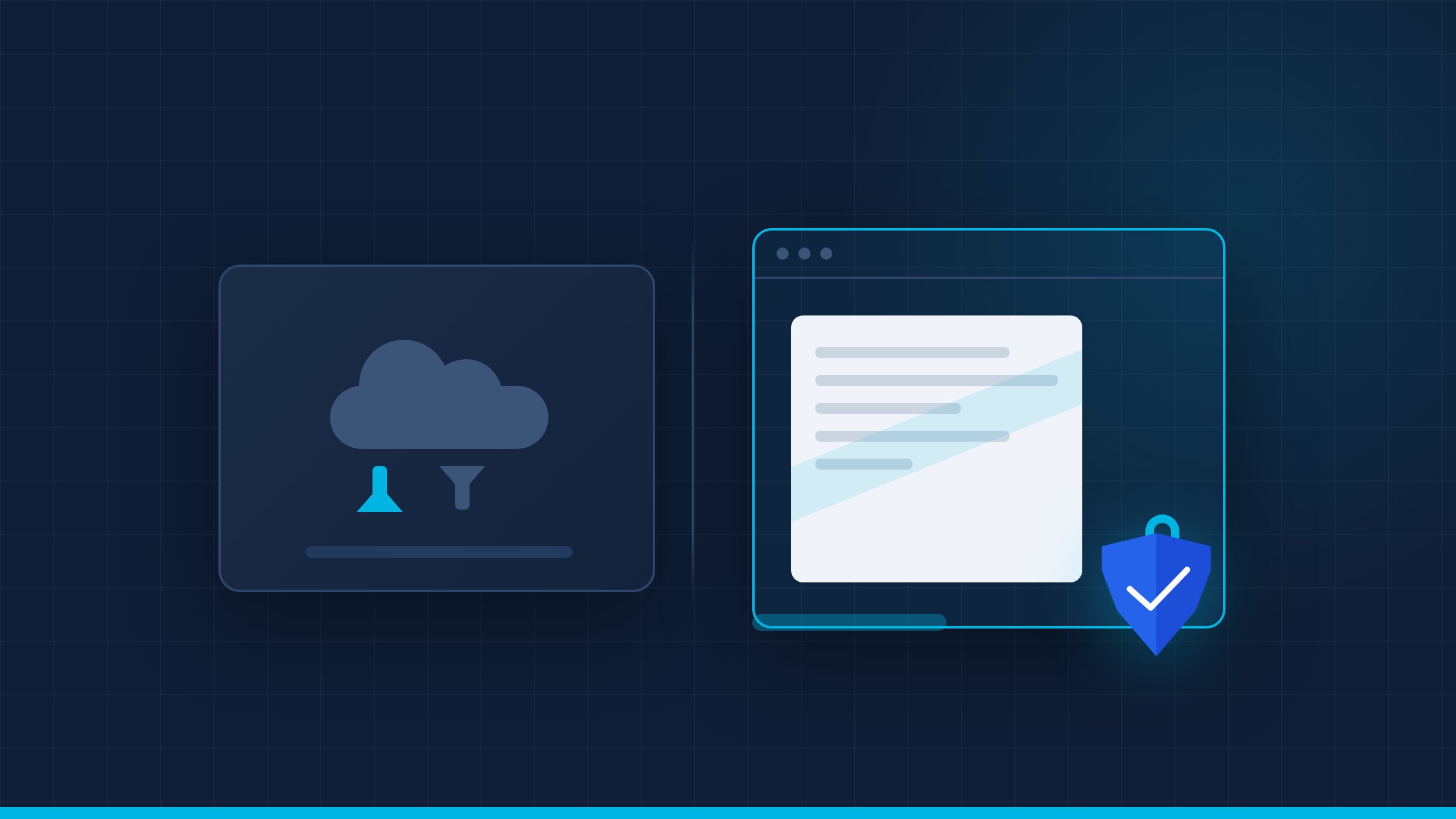
Feature matrices converge: both sides have MFA, SSO, audit, and sharing controls. The difference is what reaches the endpoint. Aegis renders pages server-side, sends pixels, watermarks each view, and keeps the original inside the institution's infrastructure. That is a different control plane, not another feature.
Be honest about the trade-off: Drive and Dropbox are better for co-authoring and everyday collaboration. Aegis is better when the document must not leave. Many organizations use both, with a clear rule about which documents go where.
- Download — explicit permission vs. impossible by architecture.
- Watermark — account-level vs. session-level attribution.
- Revocation — remove a share vs. stop the next page from rendering.
- Deployment — vendor cloud vs. on-premise or air-gapped custody.
A decision framework for regulated teams
Start with the document, not the vendor. Classify by consequence: what happens if this file appears in the wrong inbox? Low-consequence files can live in Drive or Dropbox with normal controls. A document that would trigger a notification if lost is not the same as a document that would end a relationship.
Then map the flow: who outside the company needs to read it, for how long, and what proof you need afterward. If the answer includes the reader must not keep a copy, the delivery model decides the vendor.
Run a pilot with one high-value workflow. Measure how often users try to download, how long revocation takes, and whether the audit export survives a tabletop incident. Those numbers decide more than a feature checklist.
- Classify by consequence, not by department.
- Map external readers and the duration of access.
- Define the evidence you would need after a leak.
- Pilot one workflow and measure the controls.
What to ask before choosing
These questions work for any vendor, including us. A serious provider should answer them with a live test, not a slide. If a vendor cannot demonstrate the answer live, treat the claim as marketing.
- Can an authorized user download the original? Under what permission?
- Does the watermark identify the session, or only the account?
- Can access be revoked while the document is open?
- Where do the documents live, and can the platform run without internet?
Drive and Dropbox are the right answer for most documents. For the small set that cannot be copied, the right question is not which cloud folder to use, but which delivery model lets someone read without keeping. If that set matters to your business, request a demo and bring one of those documents. For the Microsoft comparison, see Aegis vs. SharePoint/OneDrive; for deal rooms, see M&A data rooms. The goal is not to ban collaboration; it is to stop using a collaboration tool for a custody problem.