Overview
Secure file transfer moves a copy; secure document sharing decides what the recipient can do with it. The difference is not speed or encryption — it is whether the original ever leaves your control.
Two models, one question: where is the file?
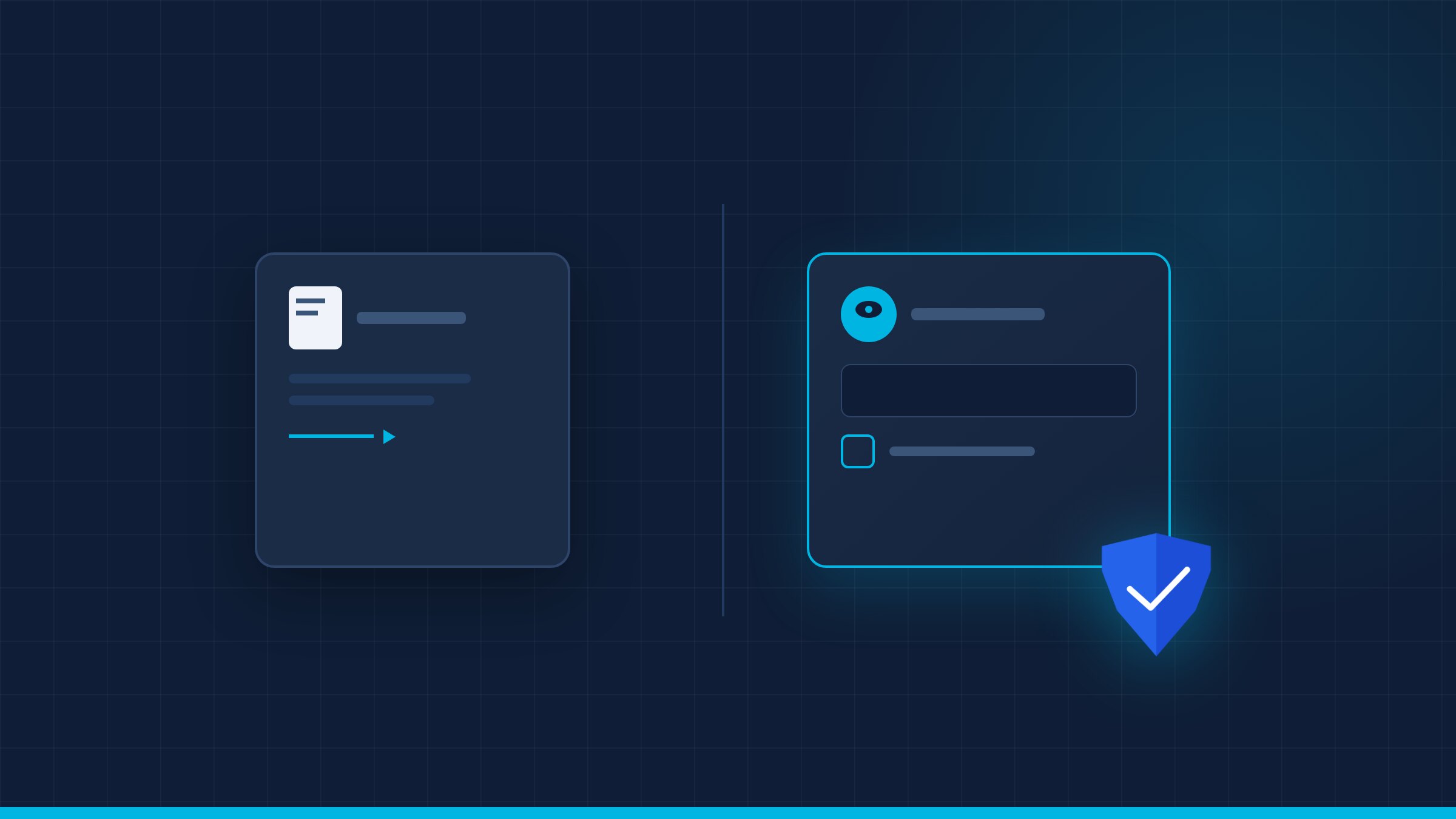
File transfer, MFT, SFTP, and encrypted email all deliver a file. Secure document sharing or an EDRM viewer renders the document and keeps the original on the server. The distinction sounds academic until a partner forwards the file to a third party. A secure document transfer still hands over the file; the custody model does not.
Encryption protects the file in transit and at rest; it does not decide what happens after the recipient decrypts it. A copy is still a copy. It also does not tell you who opened the attachment after it landed.
The question is not which protocol is more secure; it is what the workflow needs: delivery, collaboration, or controlled reading. Name the workflow before naming the product.
- Transfer — the recipient gets a file.
- Share — the recipient gets a link.
- Custody — the recipient gets rendered pages, not the original.
When file transfer is the right tool
Large CAD packages, media files, scheduled data feeds, and partners with their own repository are transfer problems. MFT adds integrity, automation, and a receipt for delivery. The protocol matters less than the receipt: who sent what, when, and to which endpoint.
Regulated transfers often require encryption, checksums, and an audit of what was sent. That is a valid control set for data in motion. Encryption in transit is necessary; it is not the whole control. A checksum proves integrity, not confidentiality.
The limit appears after delivery: the recipient has a file, and your policy no longer applies. If the document is a bid, a board pack, or CUI, delivery is the beginning of the risk. A delivery receipt is not an access log.
When sharing must become custody
Custody is required when the document's value survives any number of copies: M&A, clinical records, source code, litigation, CUI, and board materials. The common thread is that the document's value does not depend on the first copy. Board packs and bid files are the obvious cases; source code and clinical records are the expensive ones.
The controls are different: server-side rendering, per-page watermarking, live revocation, and an audit trail that links the session to the page. The viewer becomes the policy enforcement point for every page. The NIST SP 800-207 model is a useful reference for the access decision.
Custody is not anti-sharing. It lets a counterpart read without turning the exchange into an uncontrolled copy. It changes the conversation from sending it to reading it here.
- M&A and diligence — bidders read; the data room keeps the file.
- Board and legal — directors and counsel read under session control.
- CUI and defense — the enclave keeps the original; the viewer renders.
- Clinical and citizen data — access is scoped, logged, and revocable.
Decision matrix
Start with the question the recipient must answer: can you send me the file, or can you read pages 40-60 without keeping them? The first is transfer; the second is custody. Write the answer down before comparing vendors; the use case decides the model.
Use transfer for large, low-sensitivity packages and partners who must process data locally. Use custody for high-sensitivity documents, external readers, and workflows where revocation matters. A transfer tool that adds a viewer is still a transfer tool at heart; a viewer that adds transfer is still a custody product.
Many organizations need both; the mistake is using one model for every document class. Classify the document first, then choose the tool.
- Use transfer when — the recipient needs the file to work.
- Custody when — the recipient needs to read, not keep.
- Mix both — some files are raw data, others are decisions.
- Test — revocation, watermark, audit export, air-gapped path.
Checklist before you choose
Test revocation with the document open, not after closing the session. Test the audit export, the watermark, and the air-gapped path. A transfer demo and a custody demo answer different questions. Ask the vendor to show both flows with the same document.
- Recipient — internal, partner, regulator, bidder?
- Sensitivity — what happens if the copy escapes?
- Control — revoke, watermark, log, expire.
- Integration — identity, repository, case tool.
Transfer and custody are not competitors; they solve different problems. Choose transfer when the file must travel, and custody when the document must be read without leaving. If you are comparing models for a regulated workflow, request a demo and bring one real document. For the viewer model, see what a secure document viewer is; for the Drive/Dropbox comparison, see Aegis vs Google Drive and Dropbox; for due diligence, see VDR vs EDRM viewer. The goal is not to ban copies; it is to make the copy unnecessary for the reader.